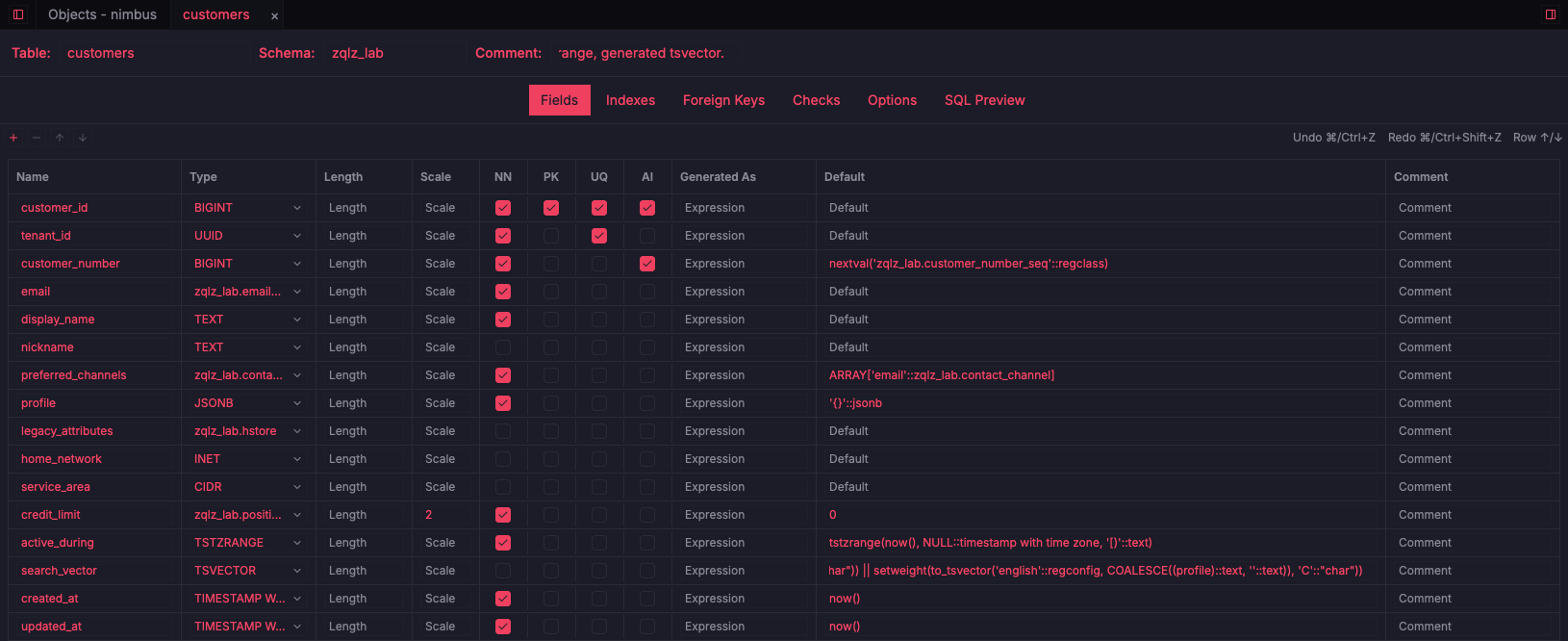
Column editing
ReadyTypes, lengths, nullability, keys, defaults, generated columns, and comments.

Fetching…
Edit columns, indexes, foreign keys, and checks in a structured form, and review the exact SQL before it runs.
The table designer turns schema work into a reviewable flow. Columns, types, defaults, and constraints are edited in a grid, with tabs for indexes, foreign keys, checks, and table options. The SQL Preview tab shows the CREATE or ALTER statement your edits produce. Trigger and sequence designers follow the same pattern, and object versioning keeps a history of functions, views, and triggers with diffs.
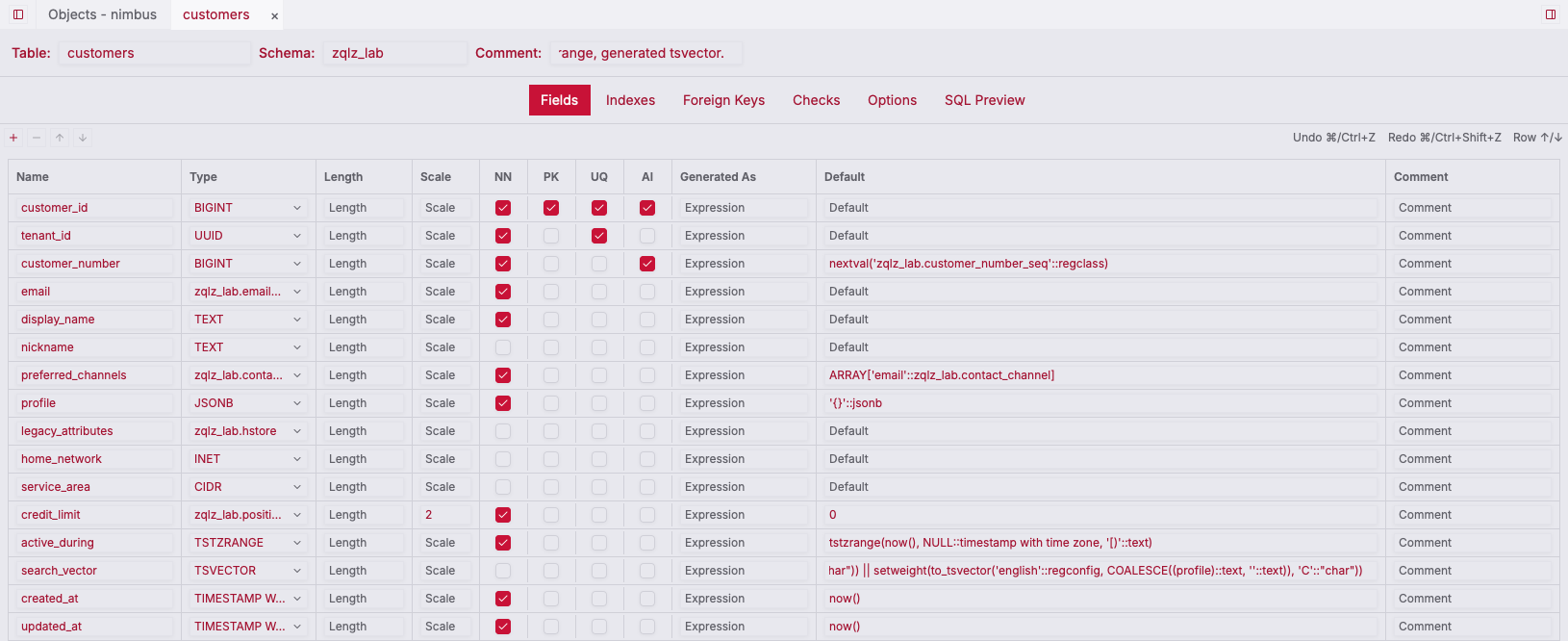
Start from the schema browser, or create a new table.
Change columns and constraints in the Fields, Indexes, Foreign Keys, and Checks tabs.
Check the SQL Preview tab, then apply. The SQL is always visible before it runs.
Types, lengths, nullability, keys, defaults, generated columns, and comments.
See the exact CREATE or ALTER statement before applying it.
Manage constraints from tabs in the same designer.
Dedicated editors for triggers and sequences with the same preview flow.
Commit, tag, and diff versions of functions, views, procedures, and triggers.