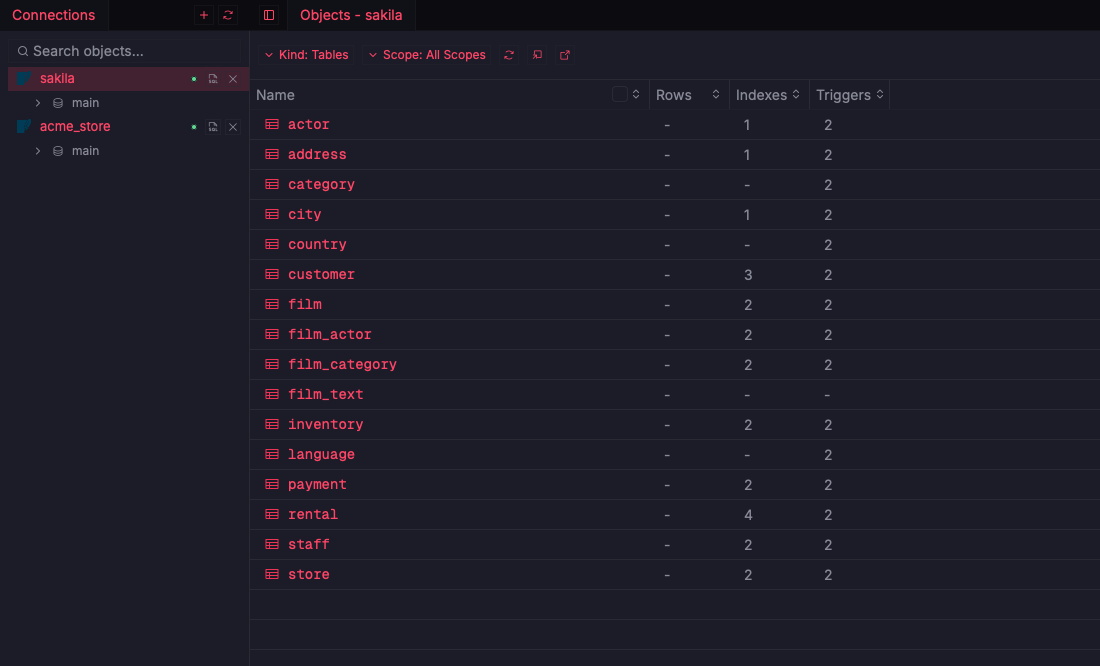
Saved connections
ReadyLocal files and server connections persist across sessions in one sidebar tree.

Fetching…
Keep every database in one sidebar tree and work across several at once. Local SQLite work needs no account and never leaves your machine.
Connections are the front door of ZQLZ. The sidebar lists every saved database with its schemas, and query tabs stay bound to the connection they were opened on, so you can compare staging and production in adjacent tabs. Connection definitions live on disk with your other settings, and the same list is available from the zqlz command line.
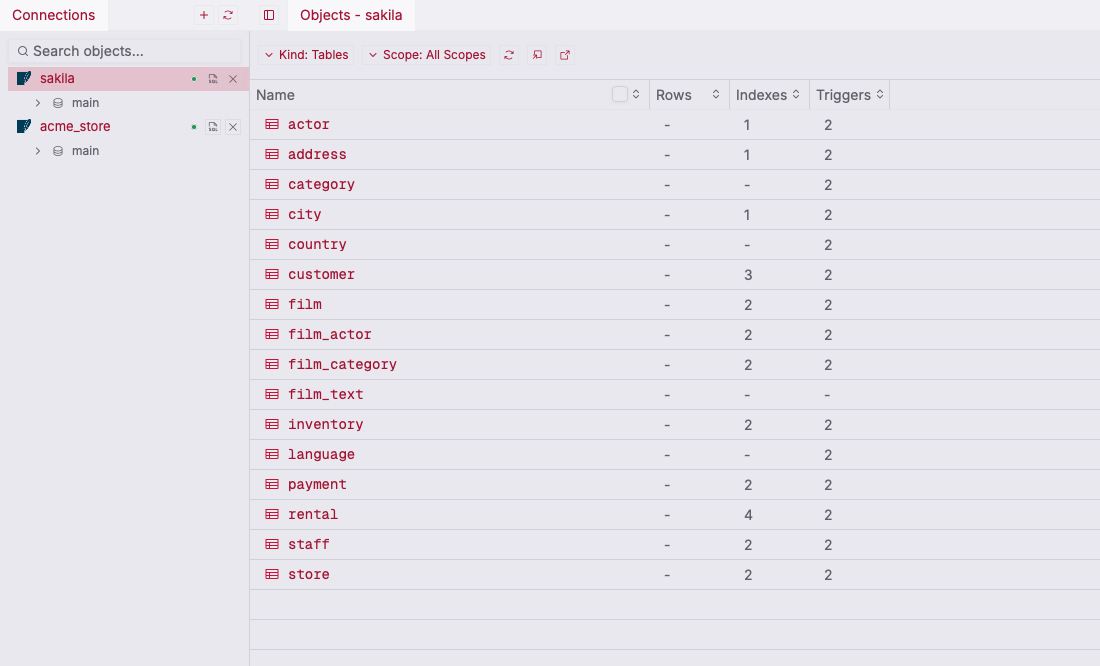
Point ZQLZ at a local SQLite file or define a server connection with host, credentials, and SSL mode.
The sidebar shows each connection's databases and schemas beside the object list.
Open tabs on several connections and switch between them without losing state.
Local files and server connections persist across sessions in one sidebar tree.
Tabs are labelled with their connection, so work against different databases sits side by side.
List, add, and connect to saved connections, run queries, and read schema from the zqlz CLI.
SQLite files open directly. Nothing about a local database requires sign-in or a network call.
Background checks that surface a dropped or misconfigured database before a query fails.
Optional hosted sync for connection convenience data, settings, and snippets.